The Last Check In An Automation Is The Destination
In a recent AI-assisted handoff, the output was prepared, but the package landed in the wrong folder. It existed, yet the person who needed it would have looked in a different workspace.
That sounds small until someone works from an older version, asks for the same report again, or assumes the task was never finished.
That experience sharpened my definition of “done.” The final destination needs its own check.
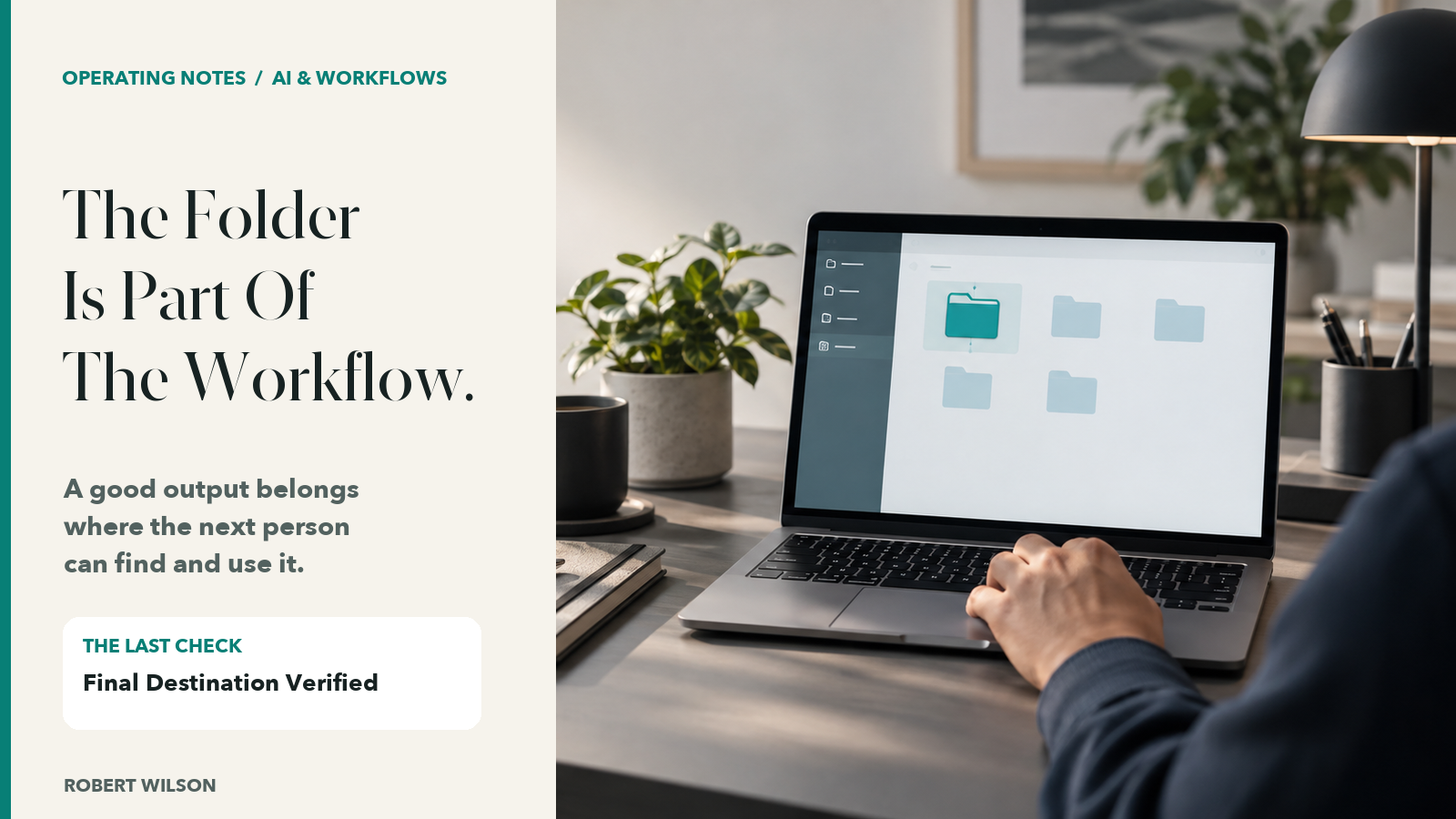
Generated Is Not Delivered
An automation can finish a calculation, export a workbook and show a green completion message. Those are useful steps. They do not tell me whether the output landed in the intended folder, whether the saved copy is the one that was reviewed, or whether the recipient can open it.
I want the handoff to survive the next person’s ordinary workday. If they have to ask which client folder, which month or which version, the last mile is still open.
Name The Destination Before The Run
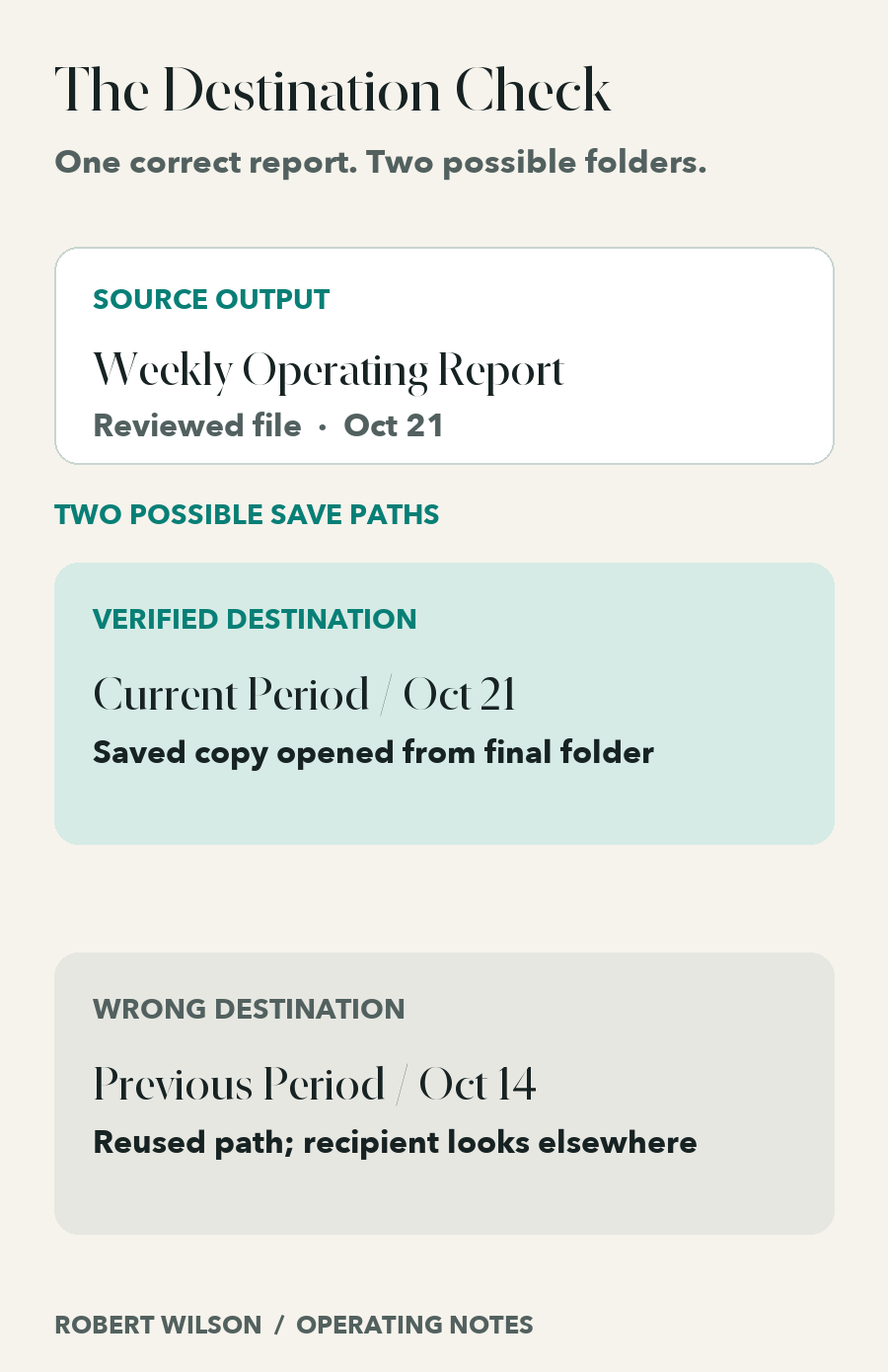
Consider an illustrative service team that produces a weekly operating report for two locations. The process saves the current report under last week’s location because a previous destination was reused. The report itself may be perfect. The routing is wrong.
Before I call that workflow ready, I want the destination written in plain language: the business, the workspace, the folder and the reporting period. That instruction belongs in the workflow, not in one person’s memory.
Then I check the saved object against the instruction. A folder name in the run log is not enough. Open the destination and see the file there.
Open The Copy Someone Will Use
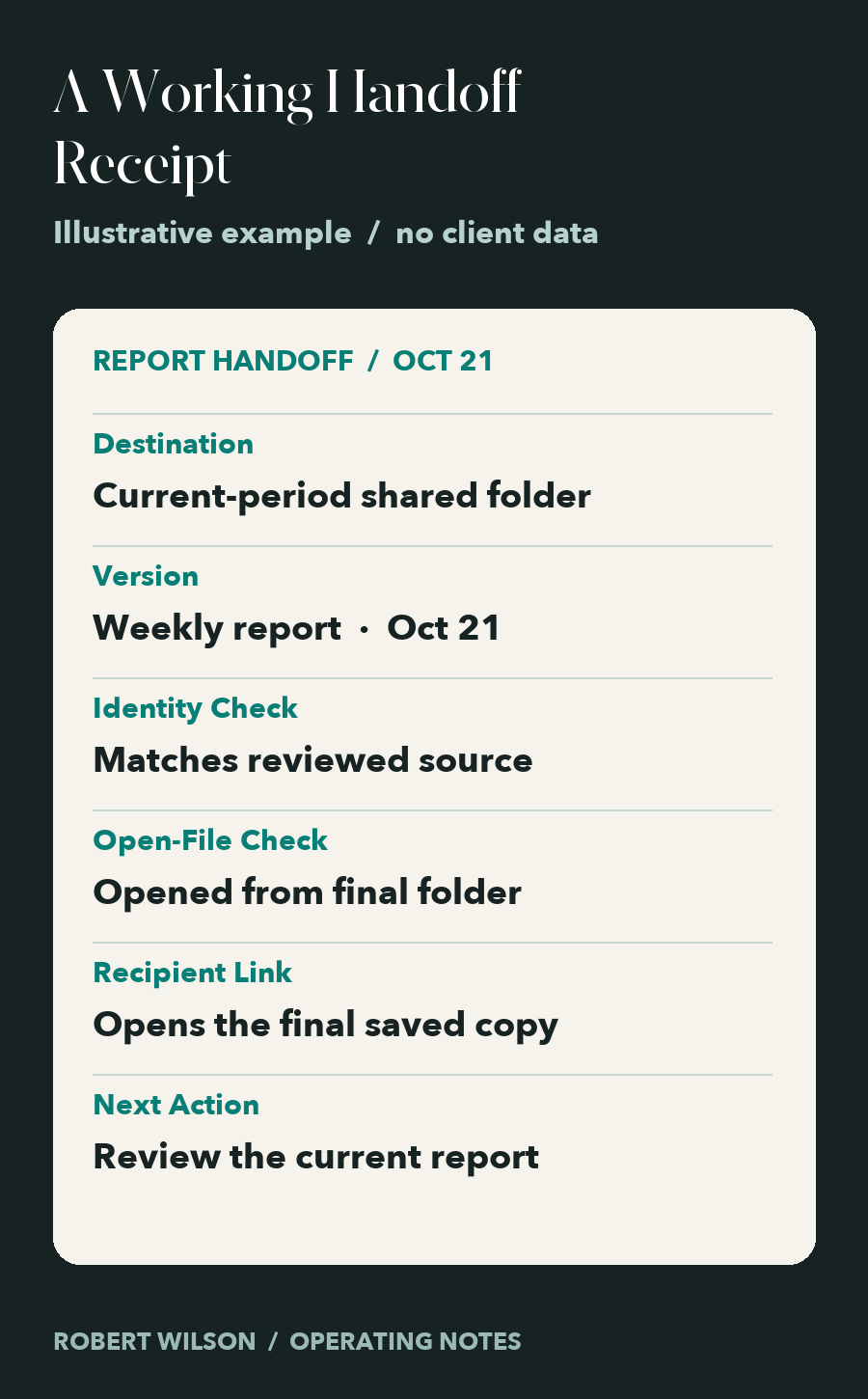
My next check is practical: open the saved file from its final location. Does the workbook open without a repair prompt? Is it the current reporting period? Does a quick identity check match the reviewed source? If there is a link in the handoff message, does that link open the final copy?
That is a human review step. AI can help prepare the output and suggest where to file it, but it cannot make an unverified destination trustworthy by declaring success.
I also want a clear next action when something fails. “Saved elsewhere, moved and reopened” is a useful status. “Completed” hides the correction.
The Five Checks I Keep
- Destination: Is the exact business, folder and period named?
- Saved Copy: Is the output visible in that destination?
- Identity: Does it match the version that was reviewed?
- Usability: Can someone open it from the final location?
- Handoff: Does the recipient have the correct link and know what happens next?
These checks protect the work that happened before the export. A better automation finishes with the next person able to move forward.
If you are connecting AI, reporting and operating handoffs in your business, let’s talk.